Preview
See BaseDiff in action
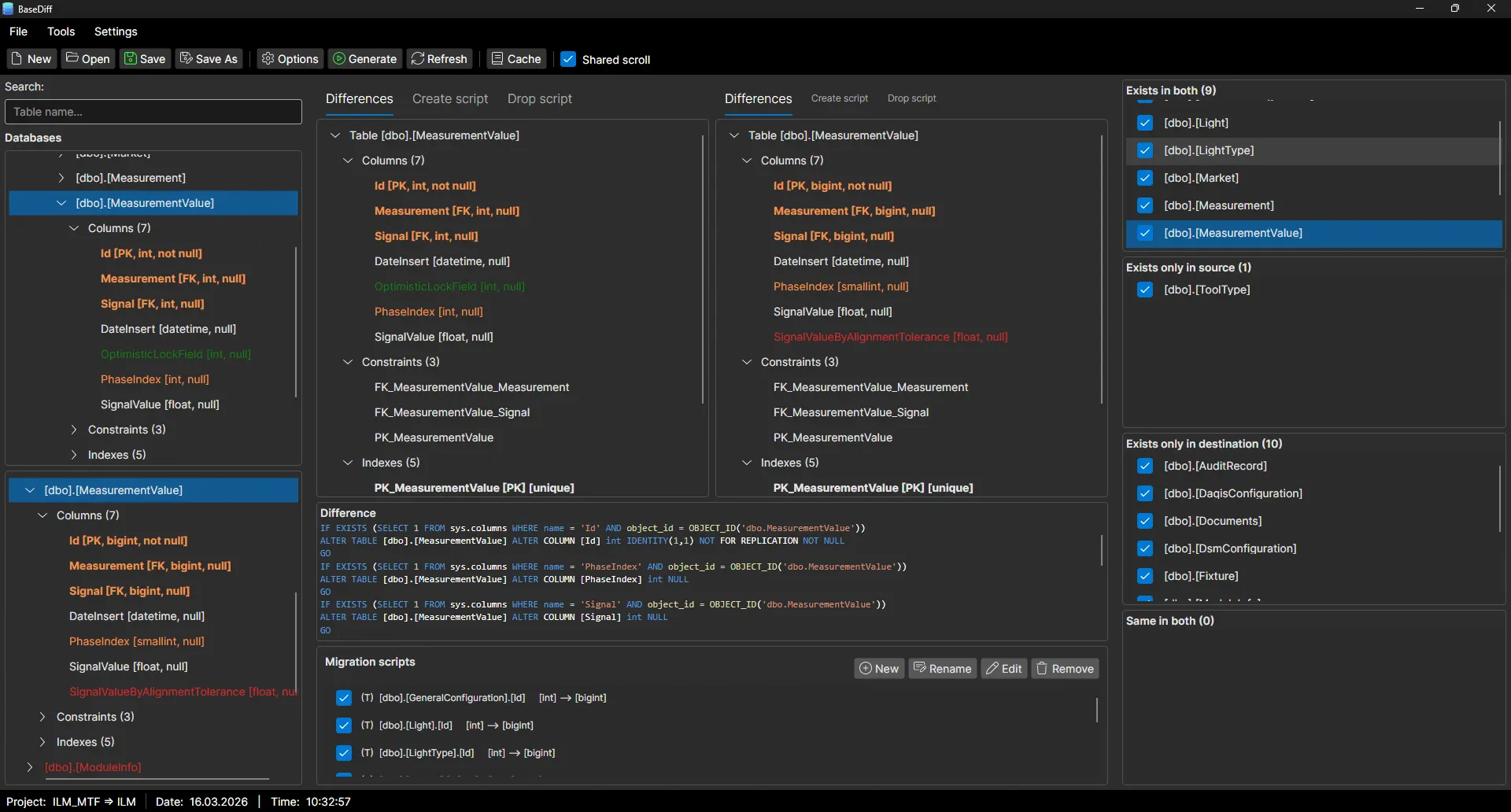
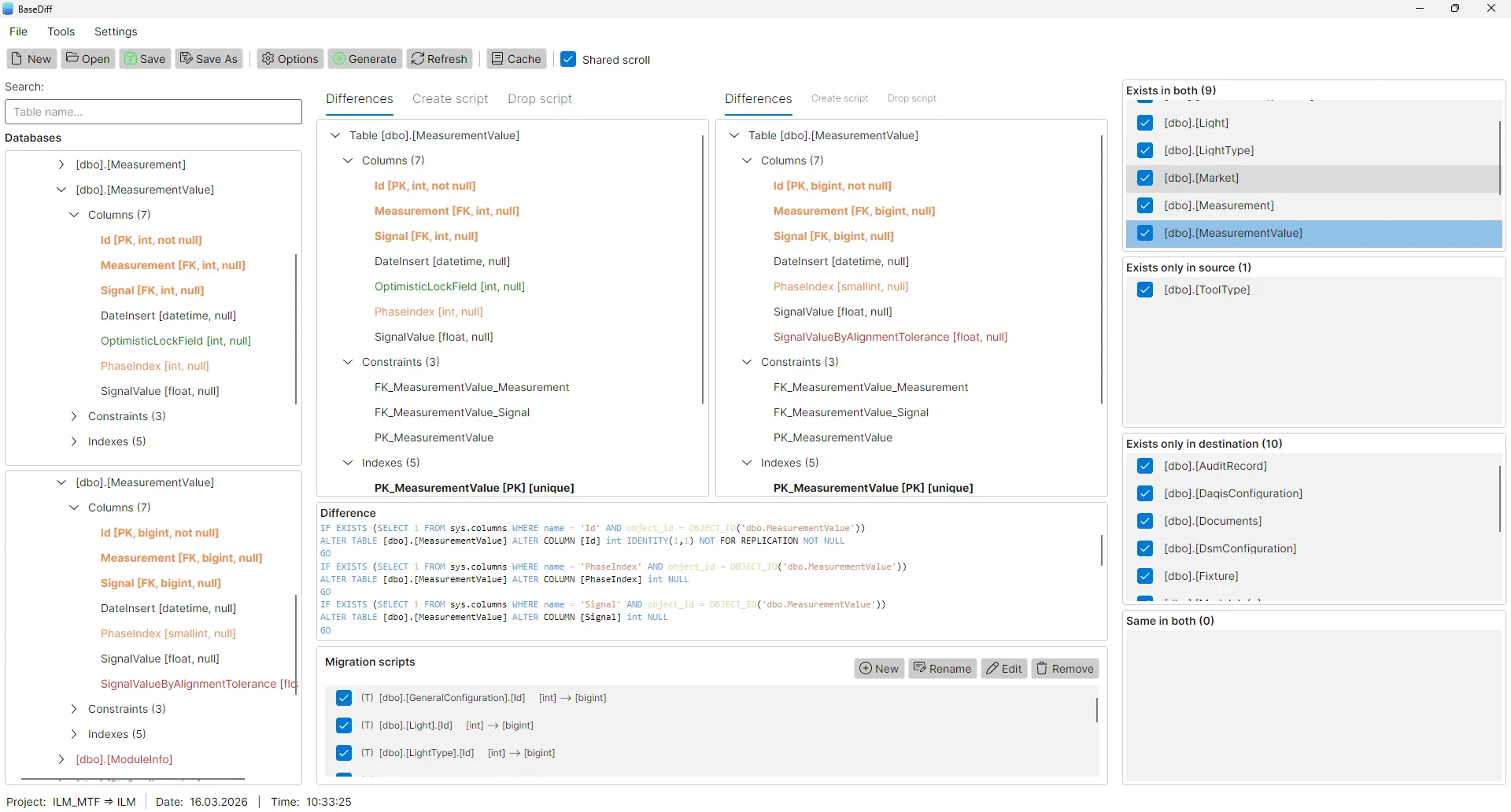
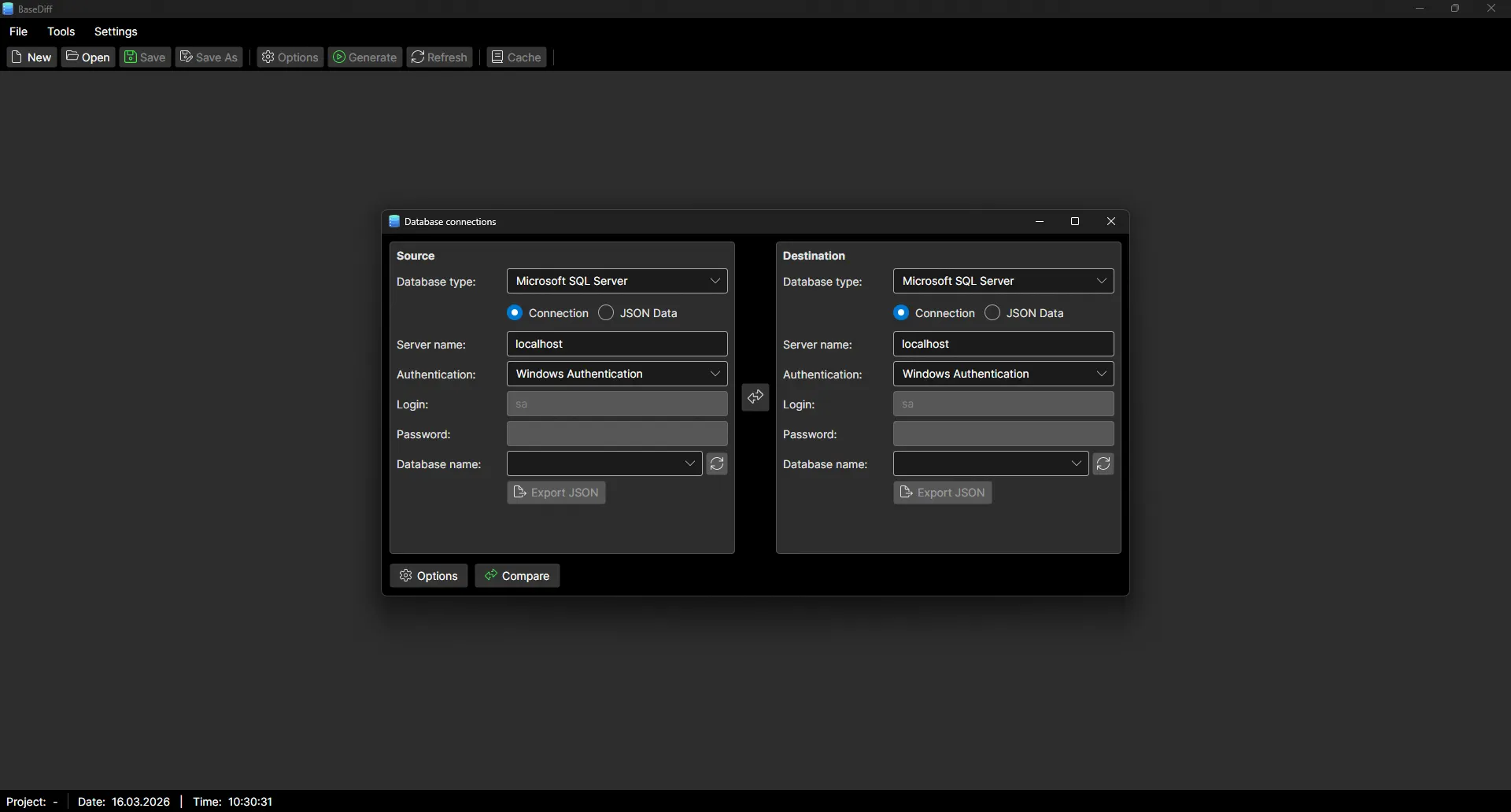
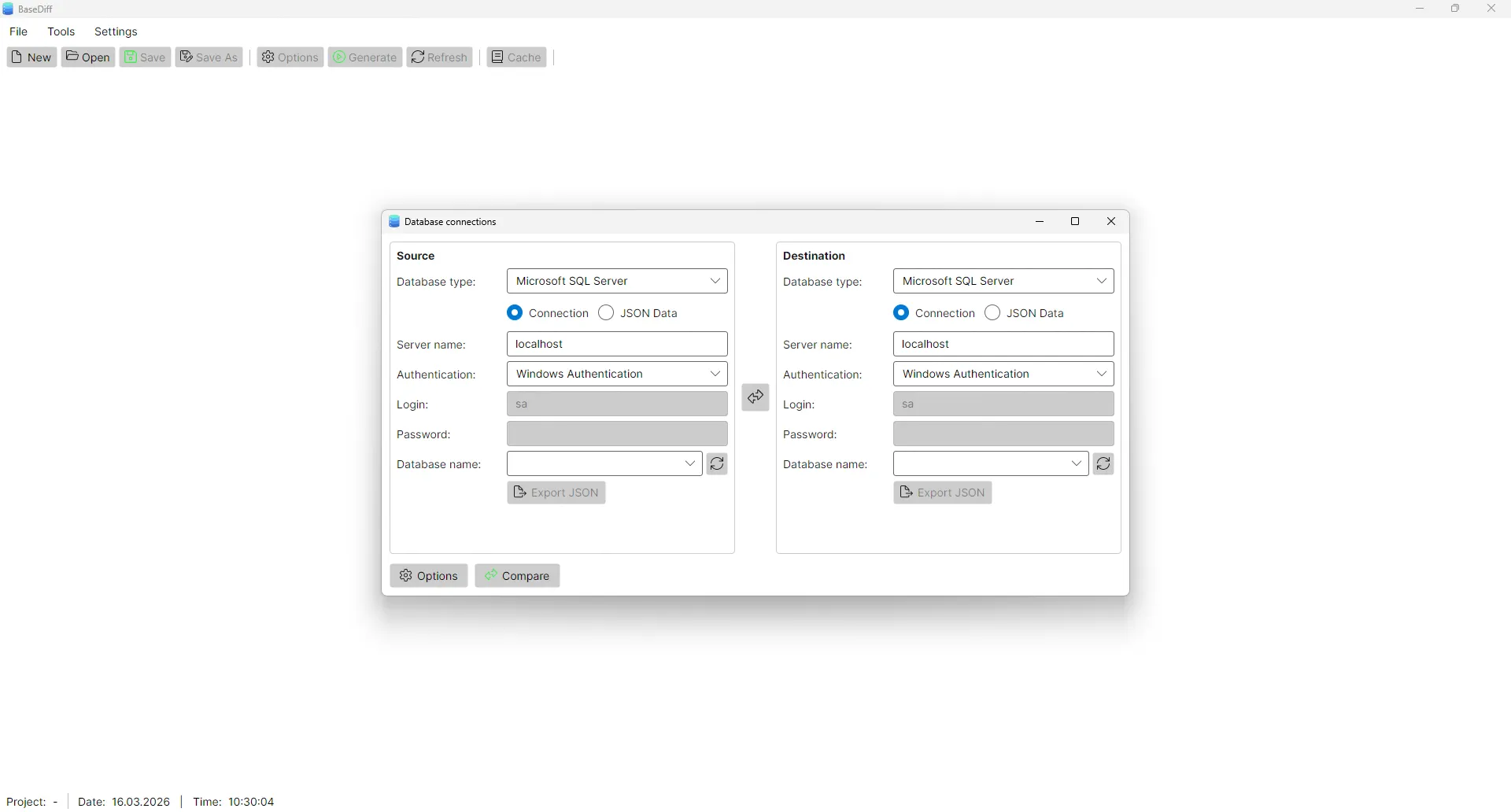
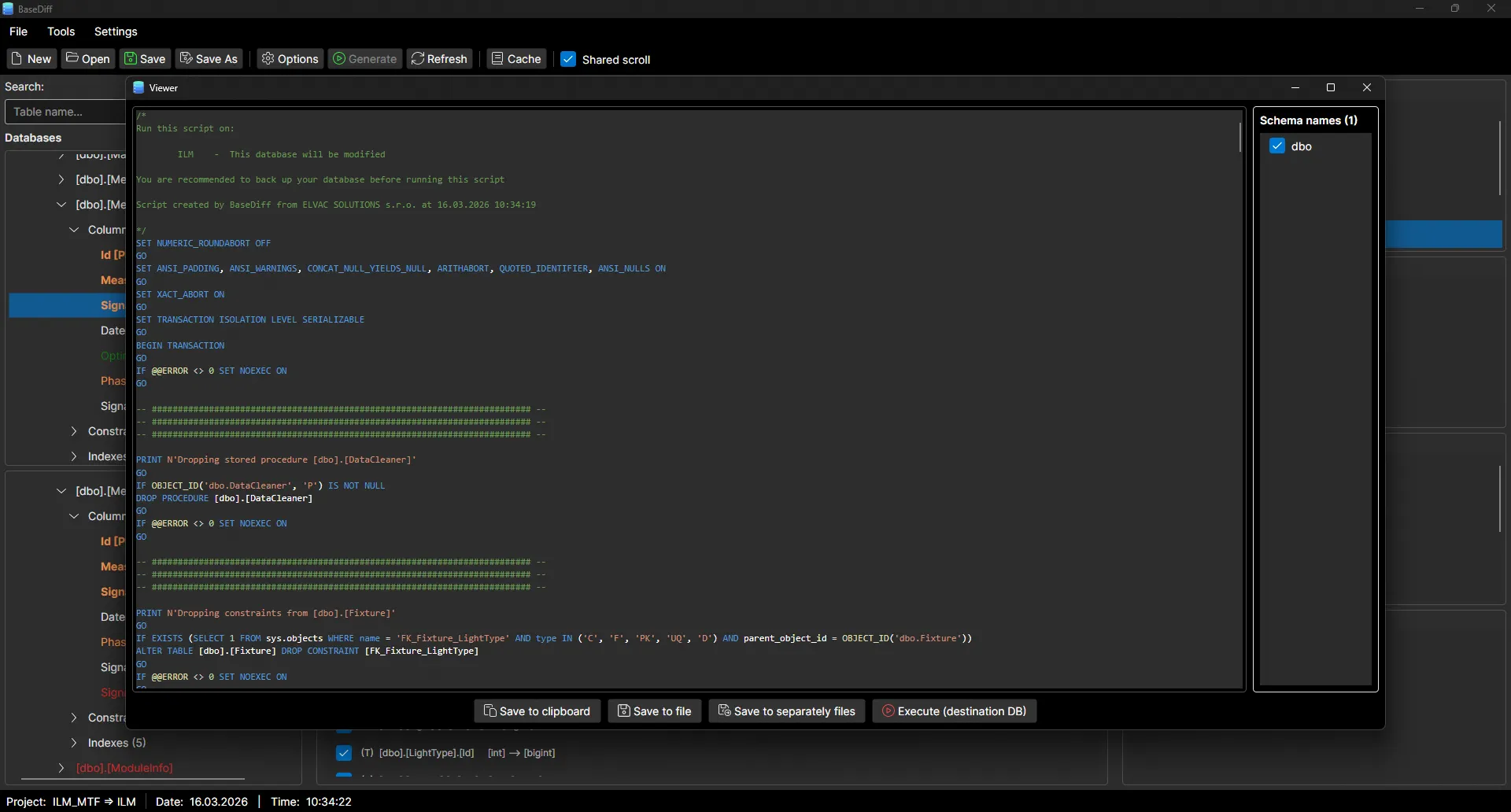
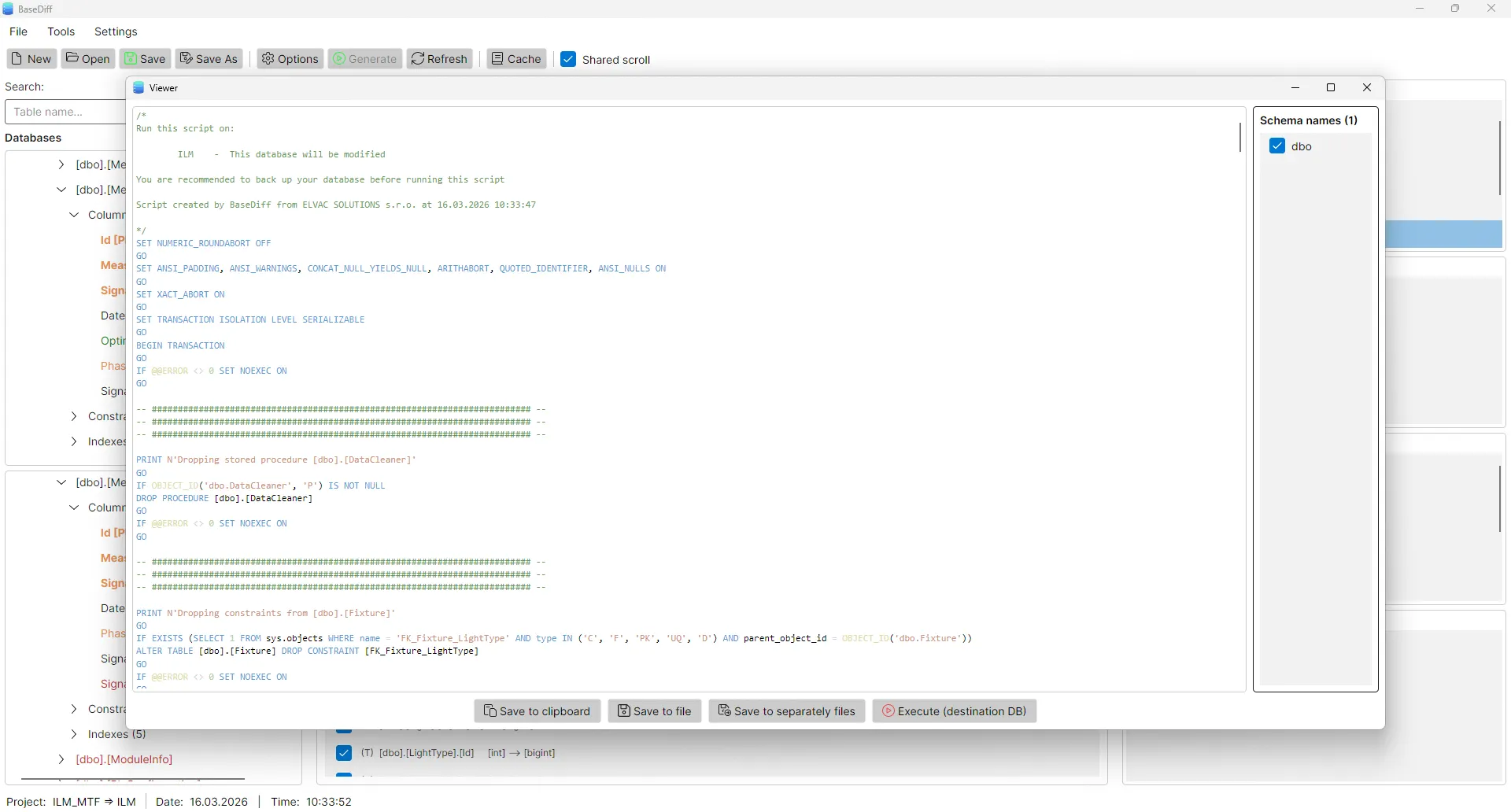
BaseDiff analyzes two SQL Server databases, detects structural differences and generates ready-to-use migration scripts automatically.
BaseDiff supports both Windows Authentication and SQL Server Authentication for seamless integration into your workflow.
Tracks data types including varchar(max), nvarchar(50),
decimal(18,2). Detects nullable, default values, collation,
column order and identity (seed, increment, NOT FOR REPLICATION).
Detects CLUSTERED and NONCLUSTERED indexes, uniqueness and composite indexes with correct column order. Distinguishes primary keys from regular indexes.
Full support for PRIMARY KEY, FOREIGN KEY (including schema, table and
column references), UNIQUE and CHECK constraints. Tracks
WITH CHECK vs WITH NOCHECK status and
NOT FOR REPLICATION flag.
Compares complete SQL definitions and parameter signatures including
exact types and lengths. Distinguishes Scalar (FN),
Inline Table-Valued (IF) and Multistatement
(TF) functions.
Detects trigger timing (AFTER / INSTEAD OF)
and event scope (INSERT, UPDATE,
DELETE). Tracks enabled/disabled state and full
trigger body definition.
Connect using Windows Authentication or SQL Server Authentication. Supports all SQL Server editions including Express, Standard and Enterprise.
Compares complete SELECT definitions of views including schema assignment. Detects any change in view logic instantly.
Export to a single file or separate files for CREATE, ALTER, DROP and data migration scripts. Copy to clipboard or save to disk.
Configure source and target SQL Server connections. Use Windows Auth or SQL Auth.
BaseDiff analyzes both schemas and displays differences in a clear tree structure.
Review generated migration scripts, edit if needed and export to files.
Download BaseDiff for free and generate your first migration script in minutes.